See how your
sites are doing.
Follow clicks and impressions. Filter by date or device, then take a closer look with fullscreen charts.
Explore Search Panel for Mac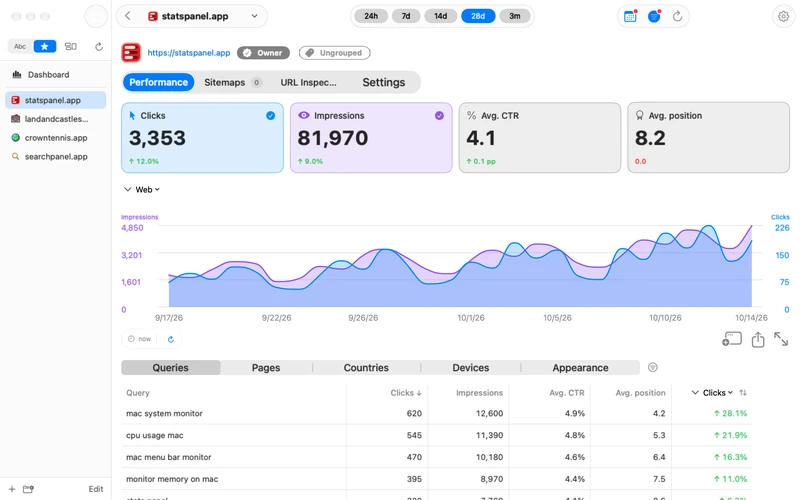
Your search performance, all in one place. Monitor your sites, explore clicks and impressions, and manage your Search Console data in a native app.
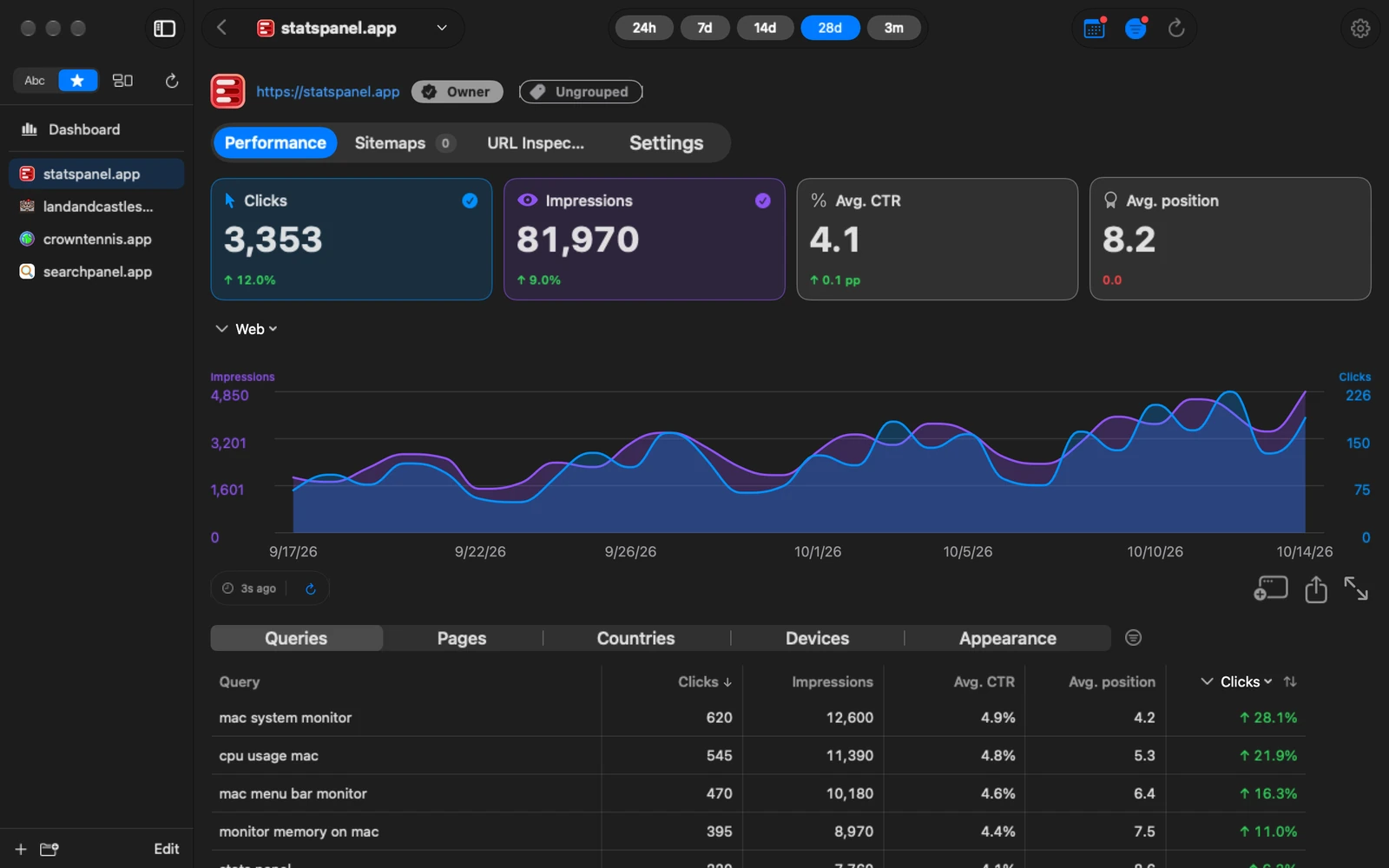
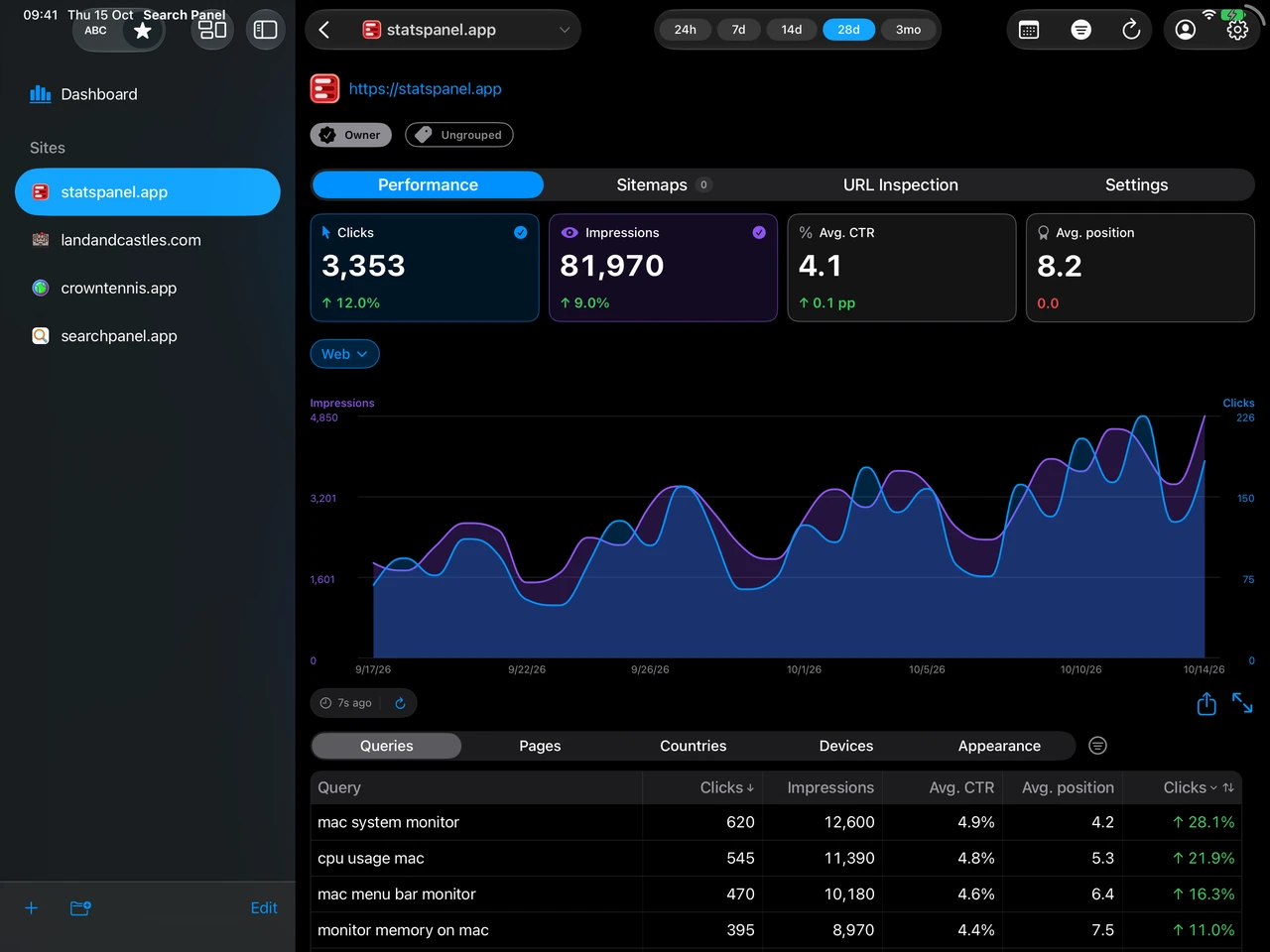
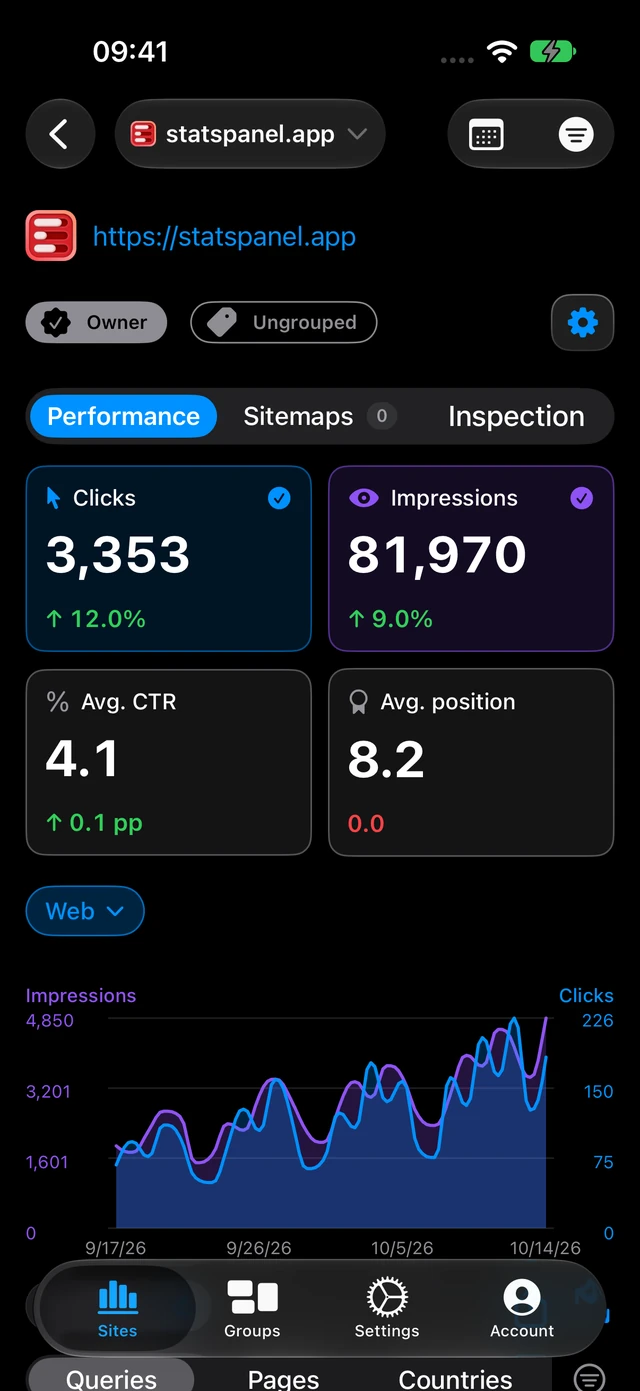
Review your traffic, investigate changes and manage your sites with familiar Search Console metrics.
Follow clicks and impressions. Filter by date or device, then take a closer look with fullscreen charts.
Explore Search Panel for MacExplore your data on iPad. Check in from your iPhone. Native layouts put your search performance at your fingertips on every screen.
Explore Search Panel for iPhone and iPad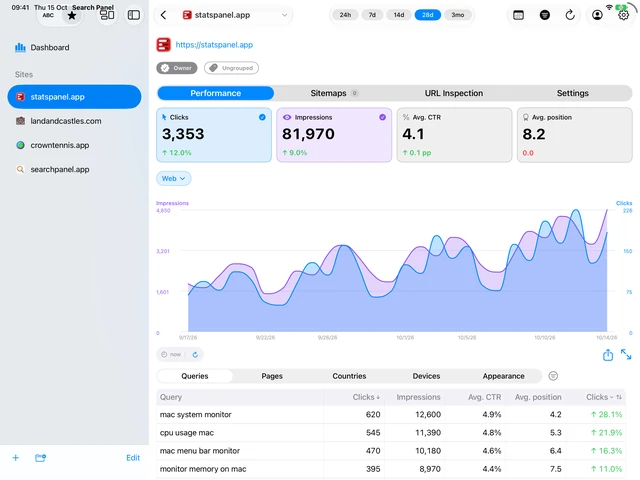
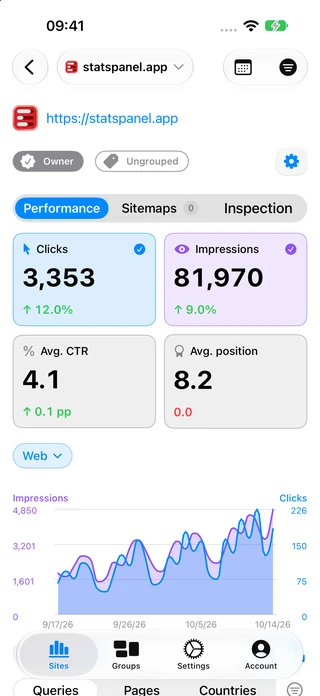
Organise your websites with groups, arrange alphabetically or use custom ordering.
Choose light or dark appearance and adjust chart colours to suit your preferences.
Connect MCP-capable tools to your Google Search Console data on Mac. Explore MCP ›
Open Search Panel from your Dock and get straight to your sites.
Get Search PanelA Google account with access to a website in Google Search Console. Download Search Panel, sign in with Google and choose your site.
Search Panel is free to download, with optional in-app purchases to unlock Pro features. You can see the available purchase options in the app.
Yes. Search Panel has native layouts for Mac, iPad and iPhone, with support for multiple languages.
Search Panel is an independent Google Search Console client, made by Anmoco. It is not affiliated with Google.
Your Google account and Search Console data are not collected or stored on our servers. If you enable MCP and connect an AI tool, that tool receives the data it requests and handles it under its own policies and settings. Read our privacy policy for details.
A Google Search Console app for Mac, iPad and iPhone.

